
Printable Tournament Bracket Templates
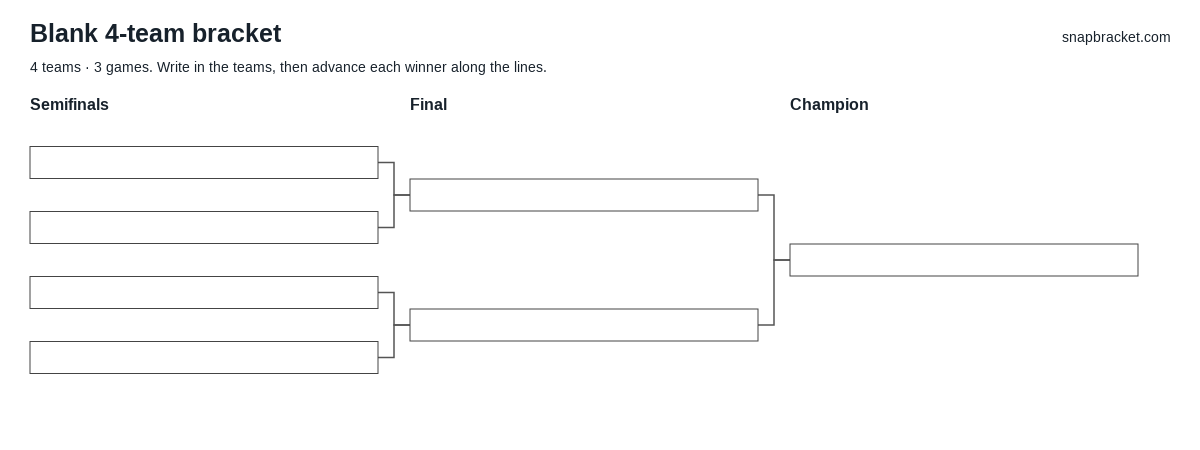
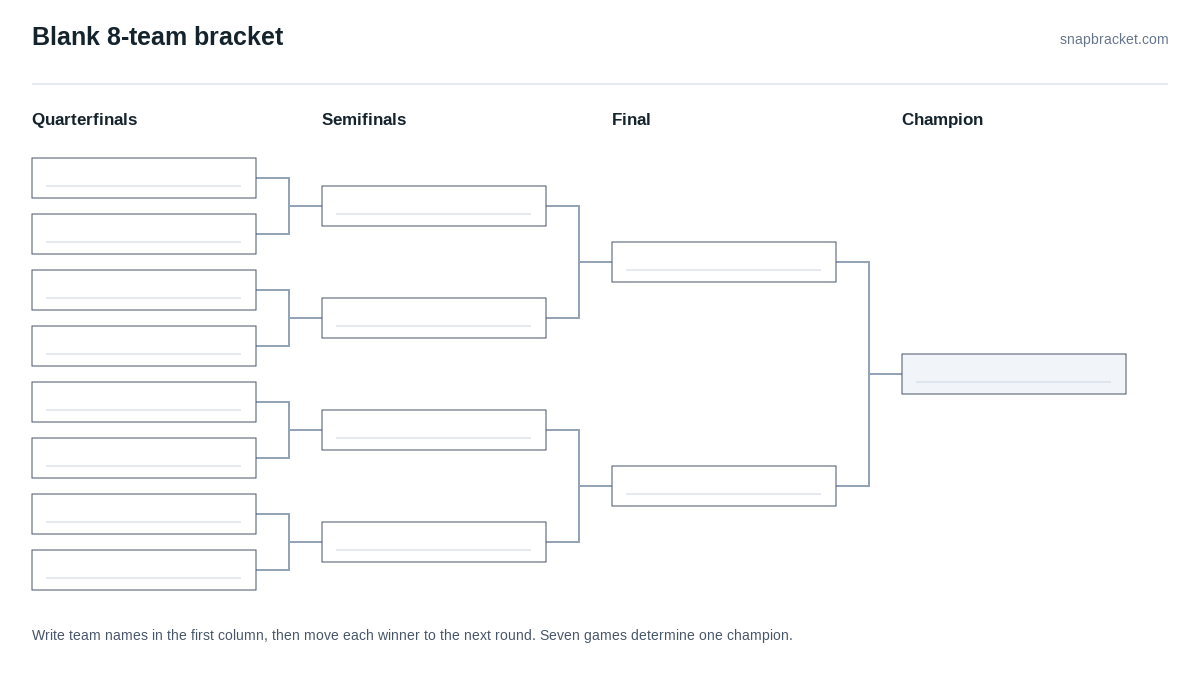
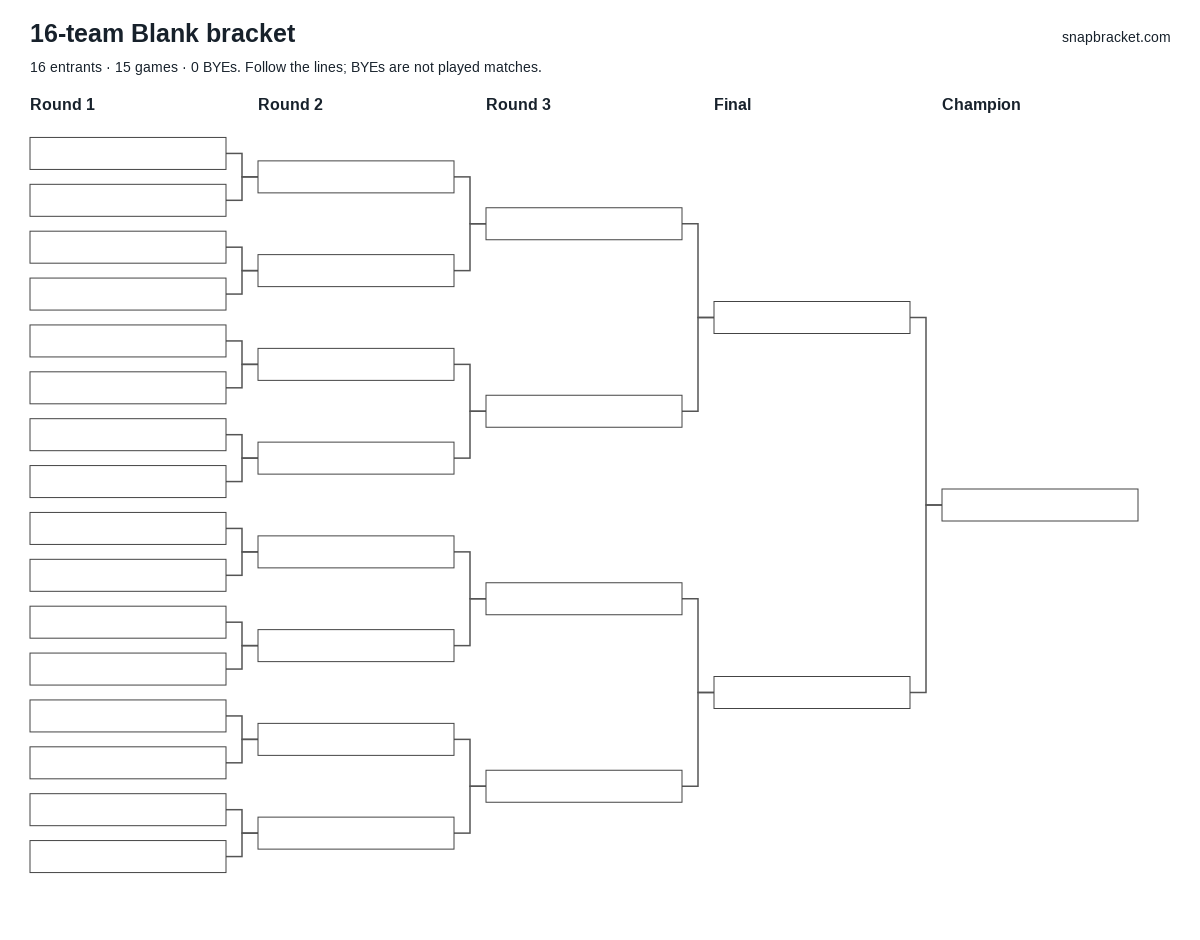
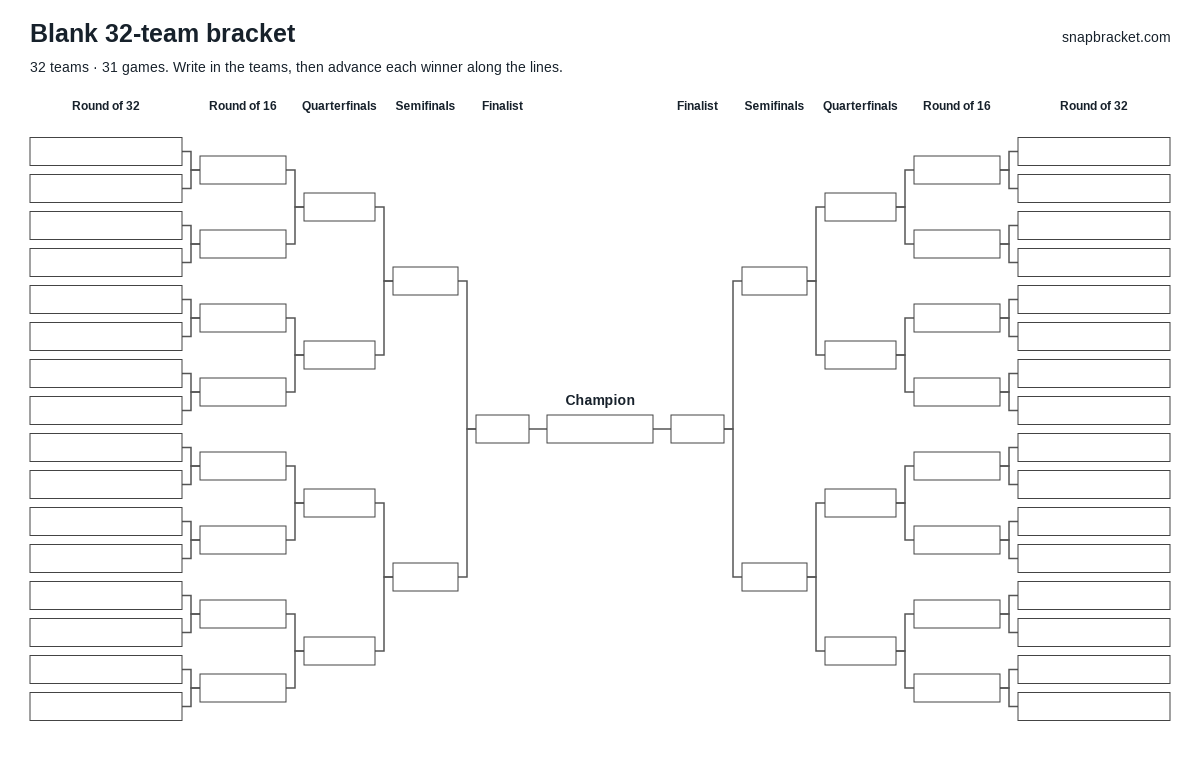
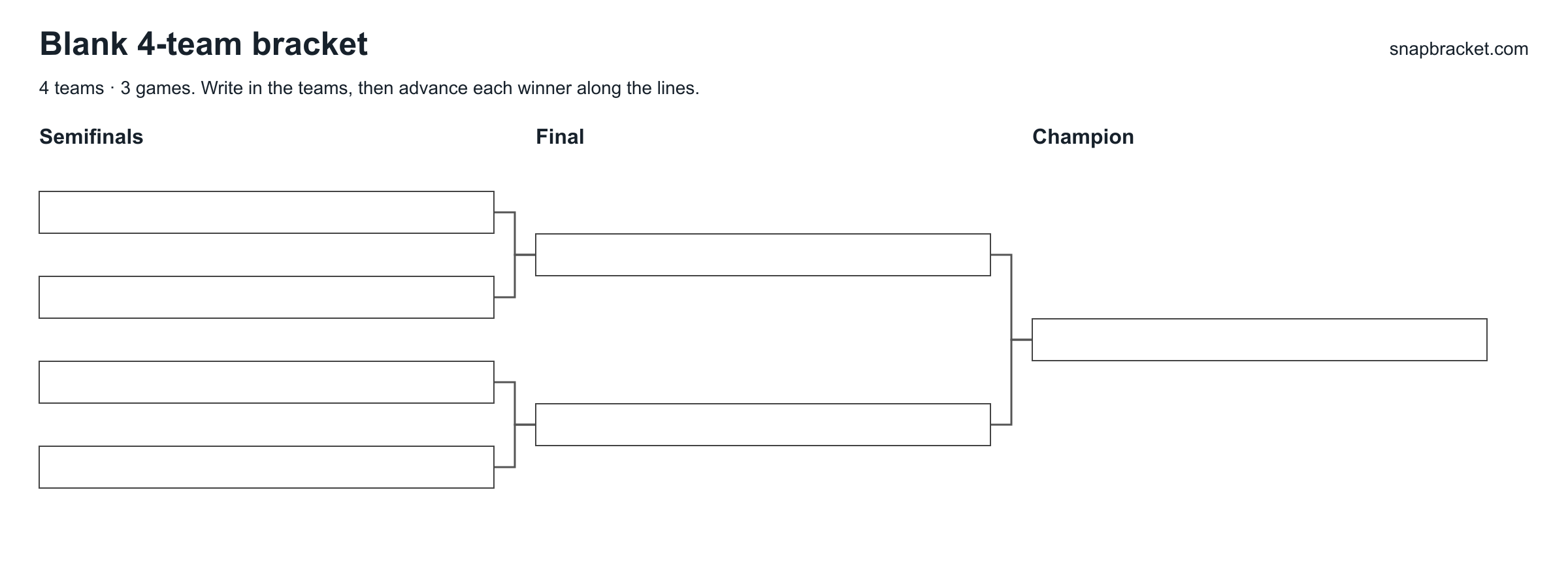
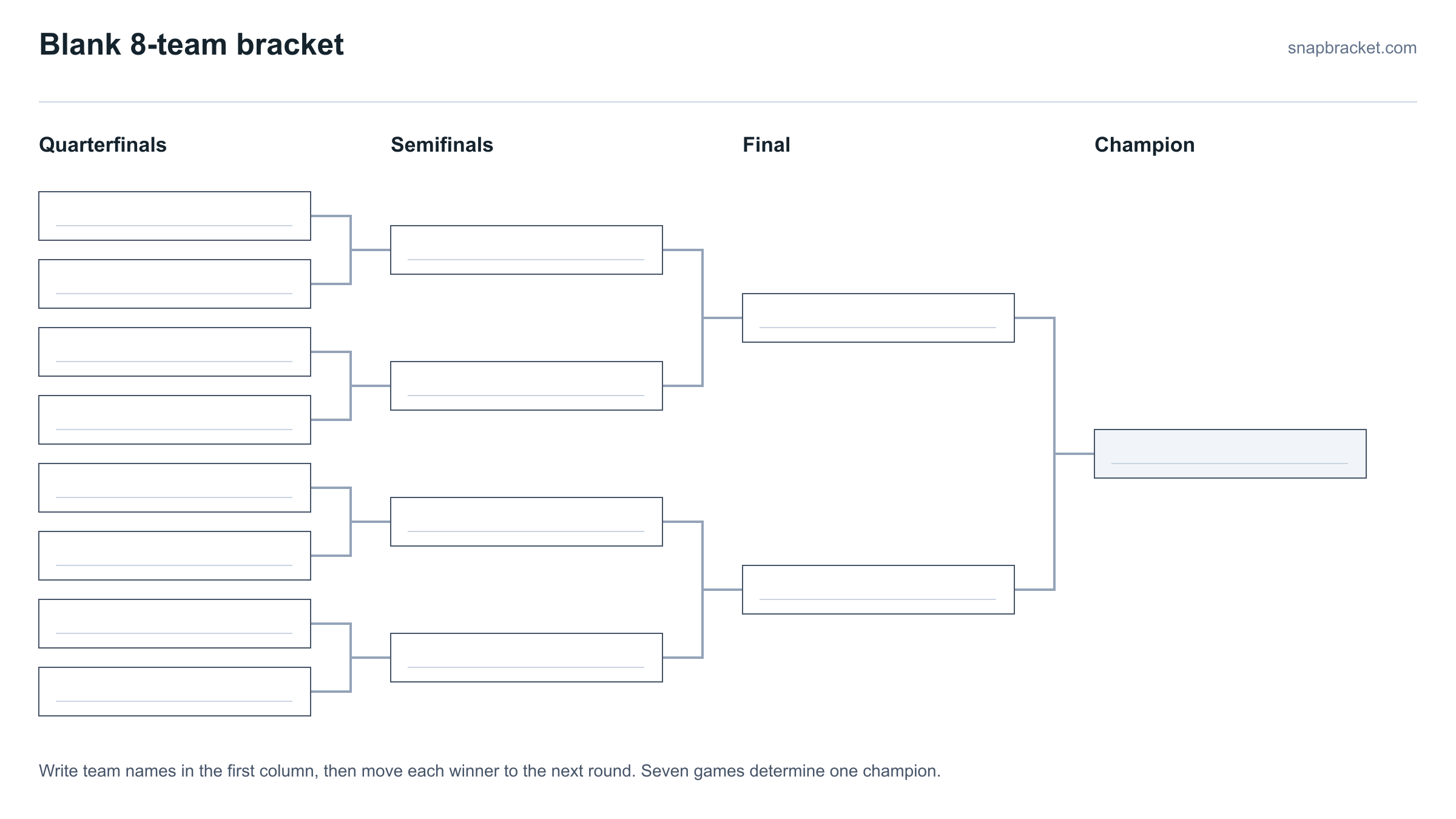
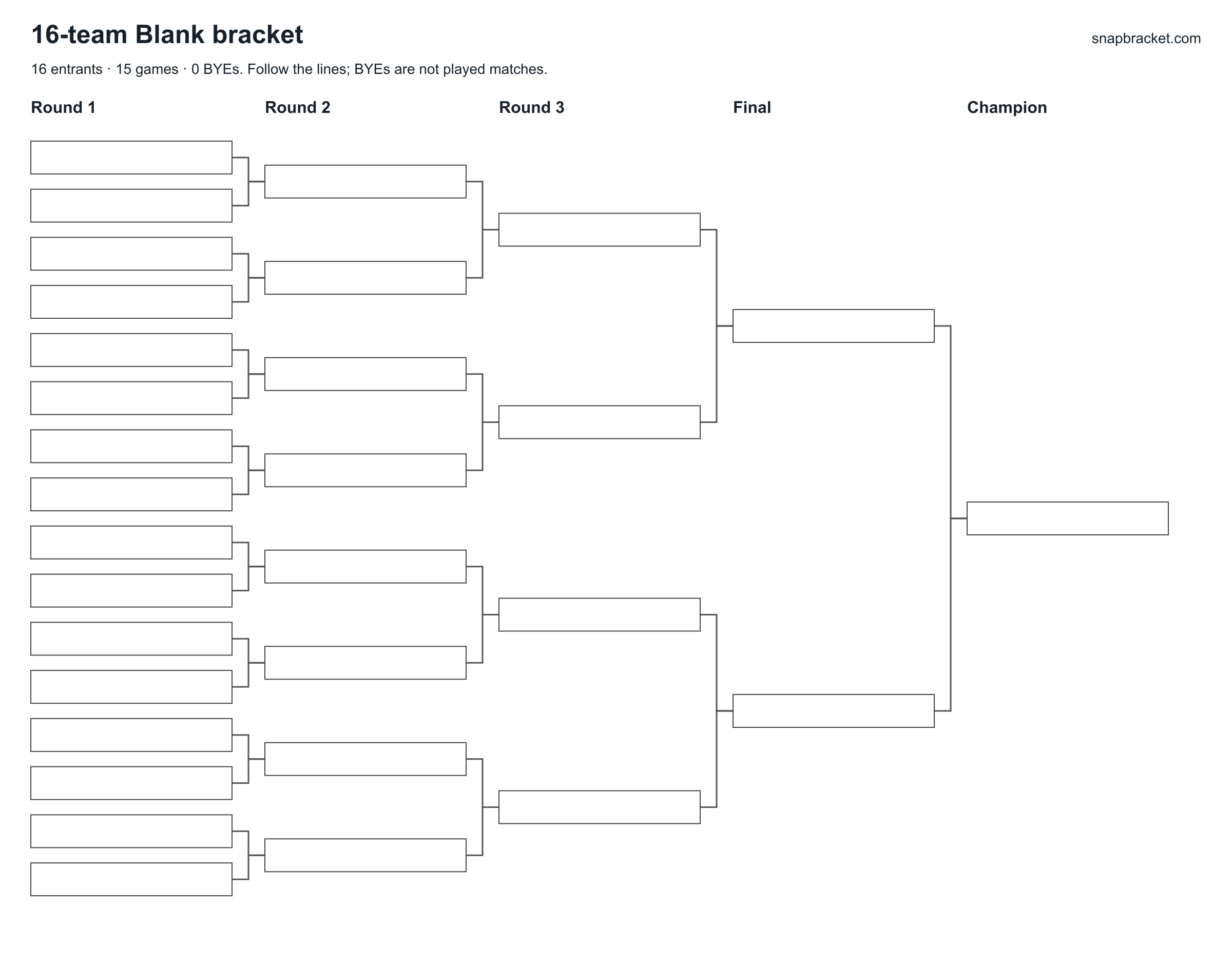
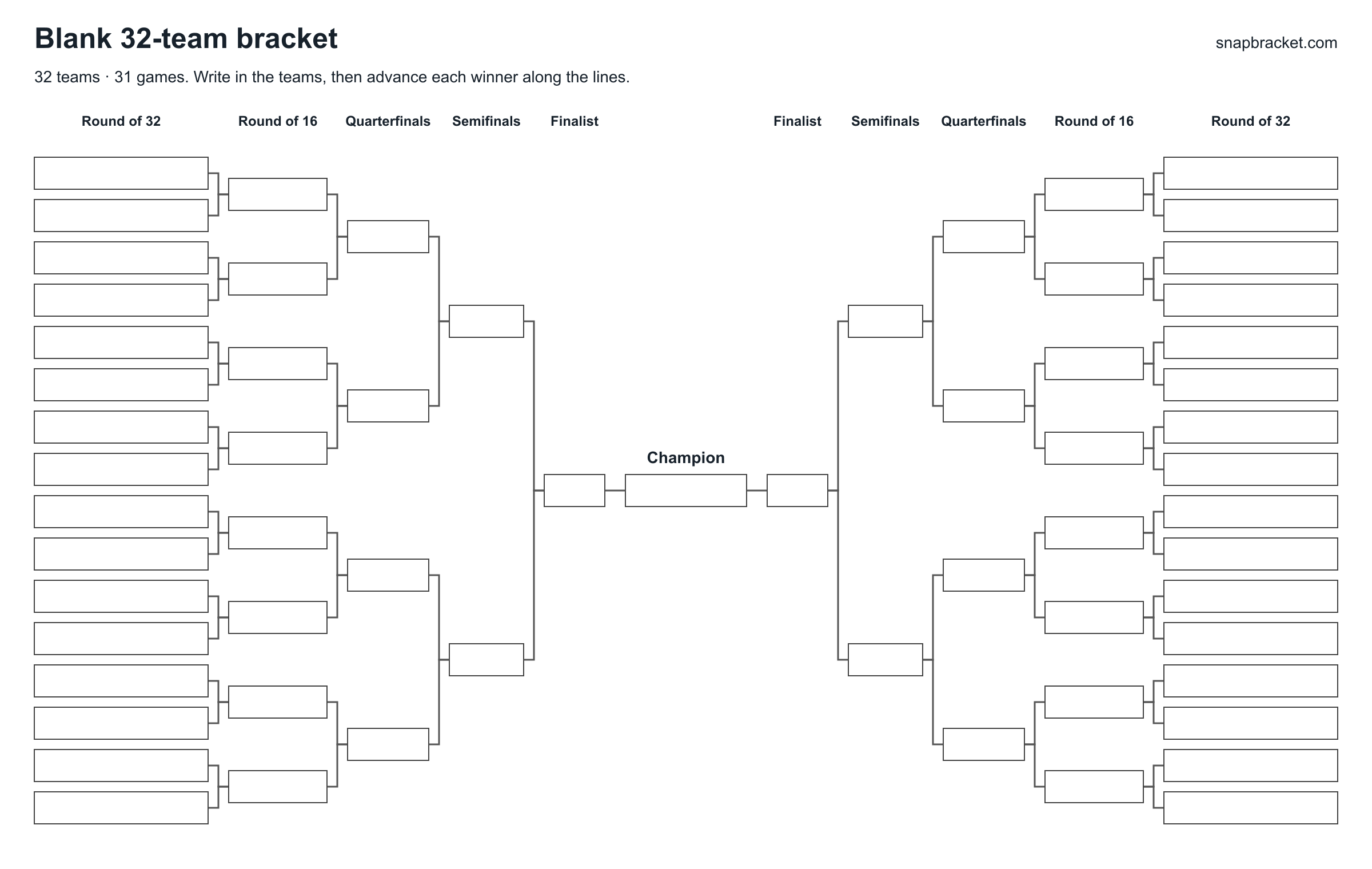
Choose a blank single-elimination bracket for 4, 8, 16, or 32 teams. Print it for the score table, save it as a PDF, or download a PNG to share.
Maintained by SnapBracket · Updated
Blank brackets to print
Quick summary
- Page setup
- One landscape sheet per bracket, on US Letter or A4.
- Between sizes?
- Round up to the next size and mark the unused spots as byes.
- Want to type in team names?
- Open the bracket generator
Print or save a bracket
- Choose Print / PDF under the size you need. The bracket opens on its own sheet.
- Open the print dialog on that sheet and choose Landscape. Select Fit to page if the preview cuts off the edges.
- Choose your printer for a paper copy or Save as PDF for a file. Use PNG on this page if you need an image for a group chat or event page.
On the 32-team sheet, play starts at the outside edges. Both halves lead to the champion box in the middle. For a wall copy that people will read from a distance, use a larger paper size if your printer supports it.
Pick the right template size
Single-elimination brackets work cleanly in powers of two. That means common printable sizes are 4, 8, 16, 32, and 64 slots.
| Teams entered | Printable size to use | BYEs | Notes |
|---|---|---|---|
| 3–4 | 4-team bracket | 0–1 | Semifinals and final |
| 5-8 | 8-team bracket | 0-3 | Good for quick events |
| 9-16 | 16-team bracket | 0-7 | Common school/club size |
| 17-32 | 32-team bracket | 0-15 | Needs more space on paper |
If your team count falls between two sizes, use the larger sheet and mark byes before the first round. For example, with 11 teams, choose the 16-team sheet and put five byes opposite actual teams. Those five teams skip the opening round. The other six teams play three matches for the remaining quarterfinal spots.
Blank template vs filled template
Use a blank bracket template when:
- teams are still checking in
- you plan to draw names at the venue
- the organizer wants to write winners by hand
- the bracket will be posted on a wall
Use a filled bracket template when:
- seeds are already final
- players need to know first-round matchups before arrival
- you want a cleaner export for sharing
- the tournament starts immediately after check-in
For most organized events, the best flow is: seed teams, generate the bracket, print the first official copy, then update winners as matches finish.
Fill in team names before printing
Use the Tournament Bracket Generator when team count may change. Use fixed pages like the 8 Team Single Elimination Bracket, 16 Team Single Elimination Bracket, or 32 Team Single Elimination Bracket when the field size is already known.
If you are not sure how to place teams, read How Tournament Seeding Works before printing the official version.
FAQ
What size printable bracket should I use?
Use 4 slots for 3–4 teams, 8 for 5–8, 16 for 9–16, and 32 for 17–32. If there are fewer teams than slots, mark the unused spots as byes.
How do I save a printable bracket as a PDF?
Select Print / PDF below a template, then open the print dialog on the sheet and choose Save as PDF as your destination. Keep the page in landscape and use Fit to page if needed.
Should I print before or after seeding?
Print a blank copy any time. If you want to post a completed draw, wait until entries have closed and fill in the teams and byes before printing.
Do printable brackets work for odd team counts?
Yes. For example, seven teams use an eight-slot sheet with one bye. The team paired with that bye skips its opening match.
Related pages
Explore tools and guides that pair well with this topic.